Clear responsibility
Different user types see an interface and scope aligned to their role.

Taskeeper supports distinct user profiles for company administration, project delivery, operational team members, clients and suppliers. Client access can be configured so customers follow approved project progress without exposing the internal operating picture.
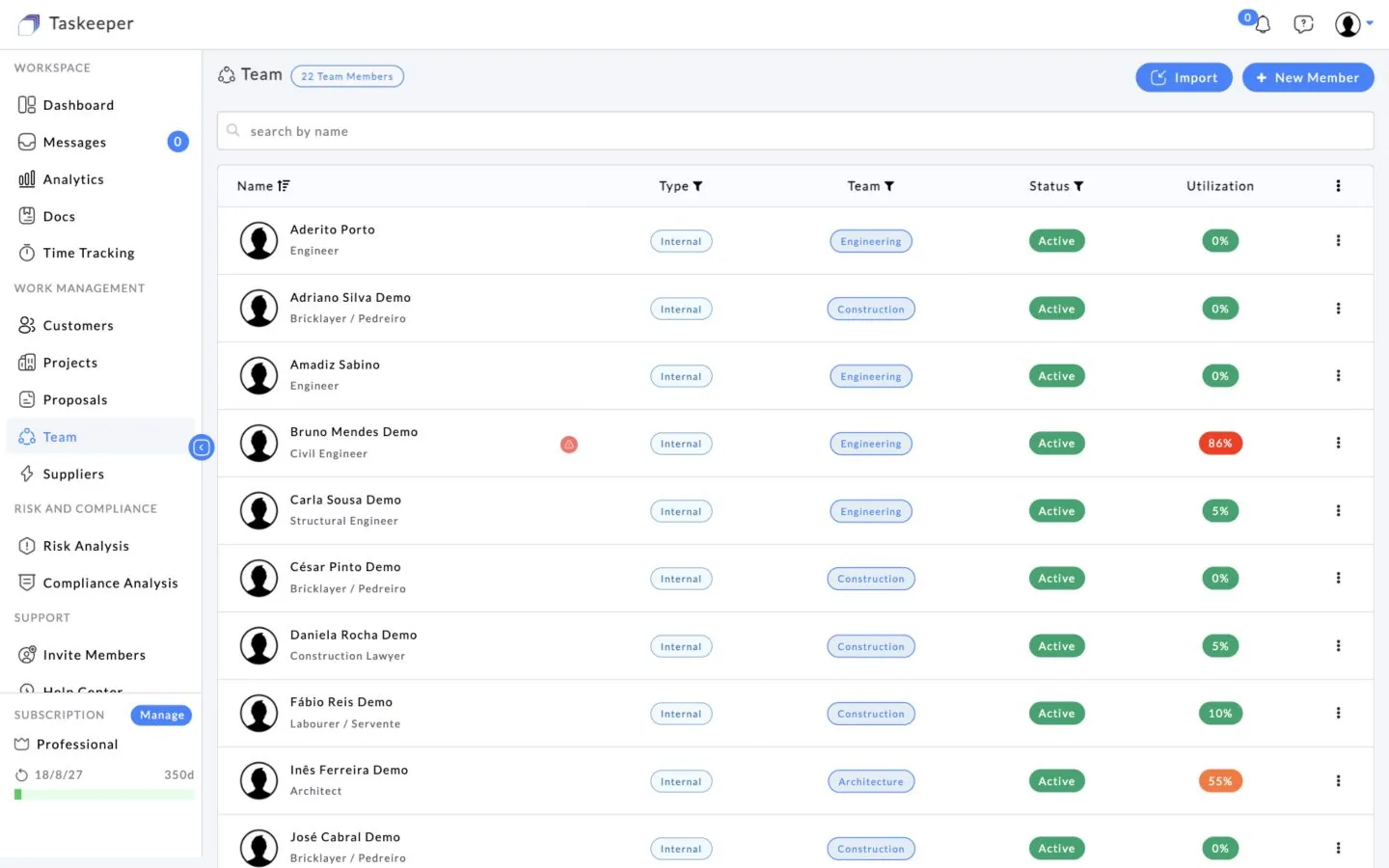
Role-based access reduces information overload and helps keep sensitive operational or financial information scoped to the people authorised to use it.
Different user types see an interface and scope aligned to their role.
Give customers useful visibility without exposing internal project information by default.
Clients can follow approved progress directly instead of requesting repeated updates.
Keep internal, client and supplier activity within explicit access rules.
Create the user with the appropriate Taskeeper profile.
Scope internal users to the projects, tasks or company responsibilities they manage.
For client users, choose the project information the company wants to expose.
Share approved tasks, photos, documents, invoices/payment status or comments according to permissions.
Let the client follow progress and communicate without entering the company’s internal workspace.
Role profiles can separate company governance, assigned project delivery, task execution and client-facing visibility while still working from connected Taskeeper data.
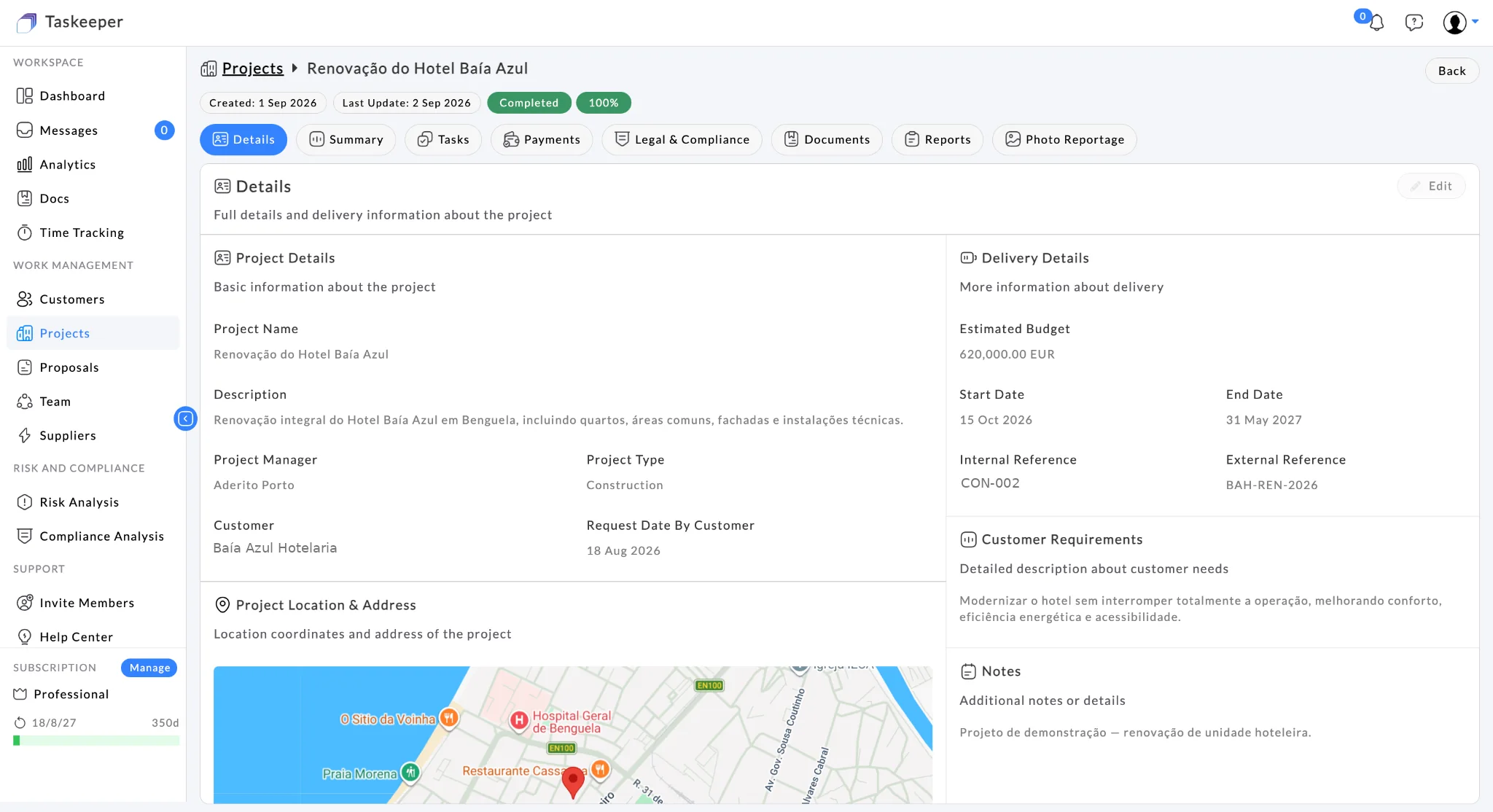
Bring commercial, project, people, field, governance and financial context into one operational workspace.